Convert TXT to PDF directly in browser
May 21, 2026 · Toolsly
Convert TXT to PDF locally in your browser with no uploads or sign-up. Learn the steps and privacy benefits of client-side document conversion at Toolsly.
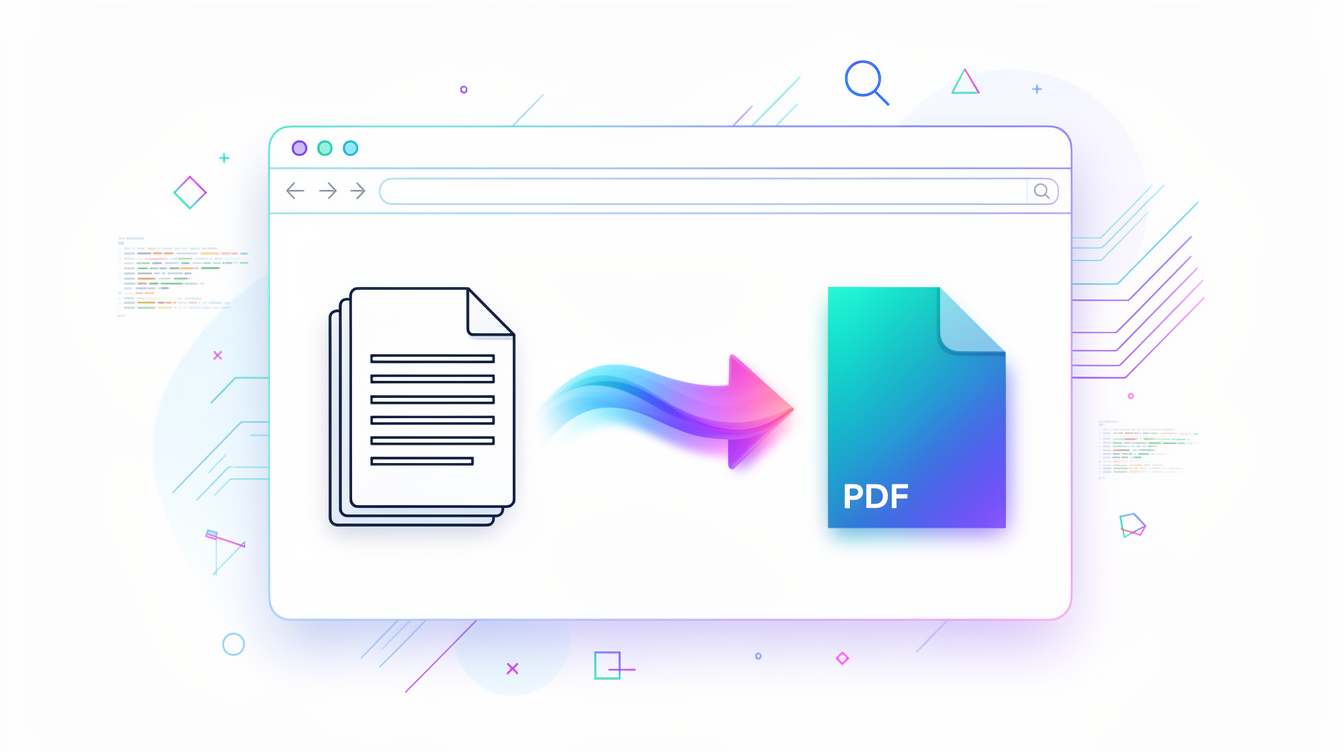
Converting a plain text file to PDF takes seconds when the process runs entirely in your browser. Toolsly processes every conversion locally via WebAssembly so the original TXT never leaves your device.
Open the document tools section to find the fastest path for text files. Start with a simple copy-paste or drag the file into the converter. The tool renders each line as a clean page and produces a standard PDF in one click.
Why local processing matters for documents
PDFs often contain contracts, invoices or personal notes. Running the conversion on your machine removes any risk of server storage. Files disappear the moment you close the tab.
Compare file sizes before and after. A 50 KB TXT file becomes roughly 120 KB once wrapped in a PDF with default margins and a standard font. Add page numbers or a header and the size grows to about 180 KB for a five-page document.
Step-by-step conversion
- Paste the text or load the TXT file.
- Choose page size and margins.
- Preview the layout.
- Click generate.
The resulting PDF opens in a new tab ready for download or further edits.
Format comparison table
| Format | Compression | Transparency | Browser support | Typical use case | Average size for a 1080p photo |
|---|---|---|---|---|---|
| PNG | Low | Yes | Excellent | Graphics | 2-4 MB |
| JPG | High | No | Excellent | Photos | 150-400 KB |
| WebP | Very high | Yes | Good | Web images | 80-250 KB |
Handling longer documents
A 10-page report from raw text usually lands around 250 KB. The same content exported through an external service can reach 400 KB because of embedded metadata. Local conversion keeps the file lean.
See similar options in the document category. You can also try MD to PDF when your source already uses markdown syntax.
Privacy for sensitive text
Bank statements or legal notes stay on your computer throughout. No account is created and no tracking occurs. This approach satisfies most corporate data policies that forbid cloud uploads.
For more options explore the full document tools page. If you work with images instead, the image category offers separate converters.
Common file size examples
- 2-page letter: 85 KB
- 8-page article: 210 KB
- 25-page manual: 620 KB
Each size reflects default settings with 12 pt font and 1-inch margins.
Try the same workflow on other document types such as HTML to PDF or DOCX to PDF when the source format changes.
A final tip: always verify the PDF page count matches your expectation before saving. Adjust line spacing or font size inside the preview to hit the exact layout you need.
Start converting now with the direct MD to PDF tool.
Related tools
More blog guides
Frequently asked questions
- How do I convert TXT to PDF without uploading files?
- Use a browser-based tool that runs the conversion locally. Paste the text or load the file and generate the PDF on your own machine.
- Is converting TXT to PDF free on Toolsly?
- Yes. All tools run without accounts or payments. You simply open the page and convert as many files as needed.
- Does the PDF keep my original formatting?
- The converter applies clean default styling. You can adjust margins and font size before generating to match your requirements.
- Can I convert large TXT files to PDF?
- Files up to several megabytes work fine. The local engine handles them quickly without sending data anywhere.
- What happens to my file after conversion?
- The file stays on your device the entire time. It is deleted from memory once you close the tab or refresh the page.