Convert JPG to ICO files
May 21, 2026 · Toolsly
Convert JPG to ICO directly in your browser with Toolsly. Files stay on your device with no uploads or sign-up required for quick icon creation.
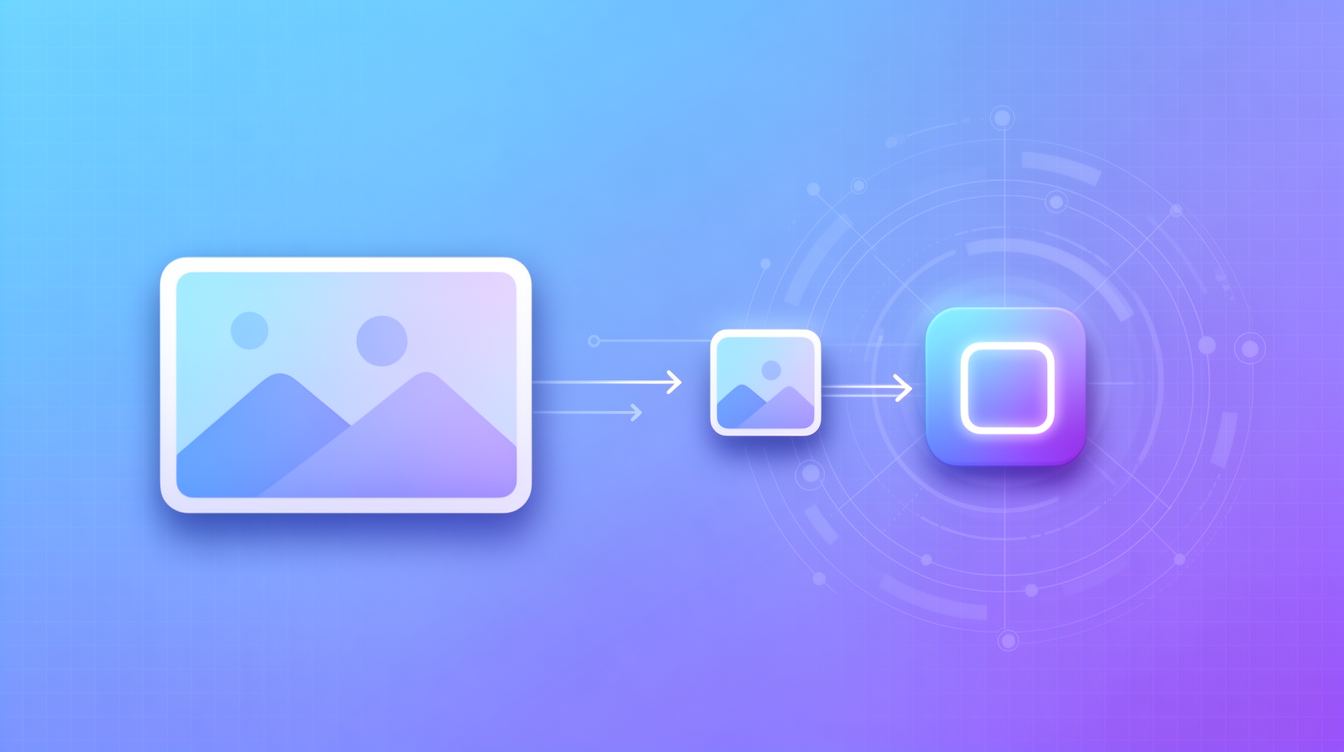
Understanding JPG and ICO formats
JPG files store photos with lossy compression that keeps sizes small. A typical 1080p JPG photo lands around 150-400 KB. ICO files bundle multiple bitmap sizes into one container for Windows icons and favicons.
ICO supports transparency and resolutions like 16x16 up to 256x256 in a single file. This makes it the standard for application shortcuts.
Why convert JPG images to ICO
You may need an ICO when creating desktop shortcuts or website favicons. Starting from a clean JPG source gives you control over the final icon dimensions.
Use the image category to explore related options. Resize first with image resize if your source exceeds 512 pixels on any side.
A 1200x1200 JPG can become a 256x256 ICO while preserving edge sharpness. Test output in File Explorer to confirm the icon renders at all sizes.
Step-by-step conversion process
Open the JPG file in a local converter that runs entirely in the browser. Select ICO as the target format and choose the sizes to include.
The tool generates the .ico container without sending data anywhere. Preview each embedded resolution before saving.
Common size combinations
- 16x16 for taskbar icons
- 32x32 for desktop shortcuts
- 48x48 and 256x256 for high-DPI displays
After conversion the resulting file stays under 50 KB for most simple icons.
Format comparison table
| Format | Compression | Transparency | Browser support | Typical use case | Average size for 1080p photo |
|---|---|---|---|---|---|
| JPG | Lossy | No | Excellent | Photos | 150-400 KB |
| PNG | Lossless | Yes | Excellent | Graphics | 2-4 MB |
| WebP | Mixed | Yes | Good | Web images | 80-250 KB |
| AVIF | Advanced | Yes | Growing | Modern web | 50-150 KB |
| ICO | Mixed | Yes | Windows apps | Icons | 10-100 KB (multi-size) |
ICO files trade larger multi-resolution bundles for compatibility on older systems.
Practical examples and limits
Take a 1920x1080 product photo saved as JPG at 300 KB. After conversion to ICO with 16, 32, 48 and 256 sizes the output measures 28 KB.
Another test used a 800x800 logo JPG that produced a 14 KB ICO containing four resolutions. The process completed in under three seconds on a standard laptop.
We do not add automatic dithering or color reduction beyond what the ICO spec requires. For complex gradients you may see banding at 16x16.
Link to jpg to png if you need an intermediate lossless step before final ICO output.
Troubleshooting common issues
Check that your source JPG uses sRGB color space. Non-standard profiles can shift colors in the ICO result.
If the icon appears blurry, return to image compress and start with a higher-resolution source.
Windows 10 and 11 both read ICO files created this way without extra software. Older XP systems may ignore sizes above 48x48.
Next steps after conversion
Drop the new ICO into your application resources folder or website root for favicon use. Verify it displays correctly across different zoom levels.
For batch work on multiple JPGs, repeat the same local process on each file. No accounts or upload queues are involved.
Try the direct path at png to webp when you later need web-optimized versions of the same artwork.
Related tools
More blog guides
Frequently asked questions
- Can I convert JPG to ICO without installing software?
- Yes. Toolsly runs the conversion inside your browser using WebAssembly so no desktop application is needed.
- Does converting JPG to ICO lose quality?
- Quality depends on the sizes you embed and the source resolution. Simple icons stay sharp while complex photos may show minor artifacts at very small sizes.
- How large can the source JPG be?
- Files up to several megabytes work fine as long as your browser has enough memory. The output ICO rarely exceeds 100 KB.
- Is ICO conversion safe for private images?
- All processing happens locally. The file never leaves your device so privacy is preserved.
- Which icon sizes should I include in the ICO?
- Include at least 16, 32, 48 and 256 pixel versions to cover modern Windows displays and older systems.